The whole Mac, in your hand
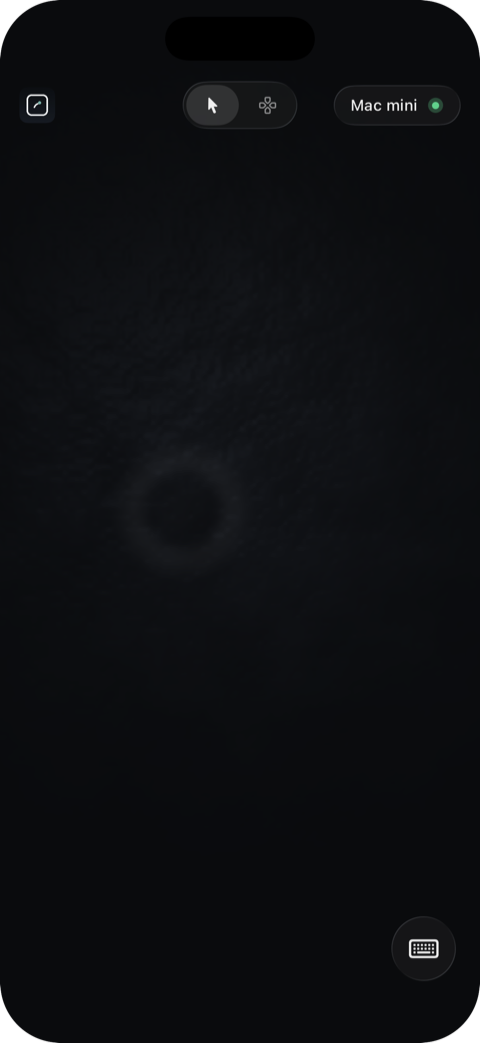
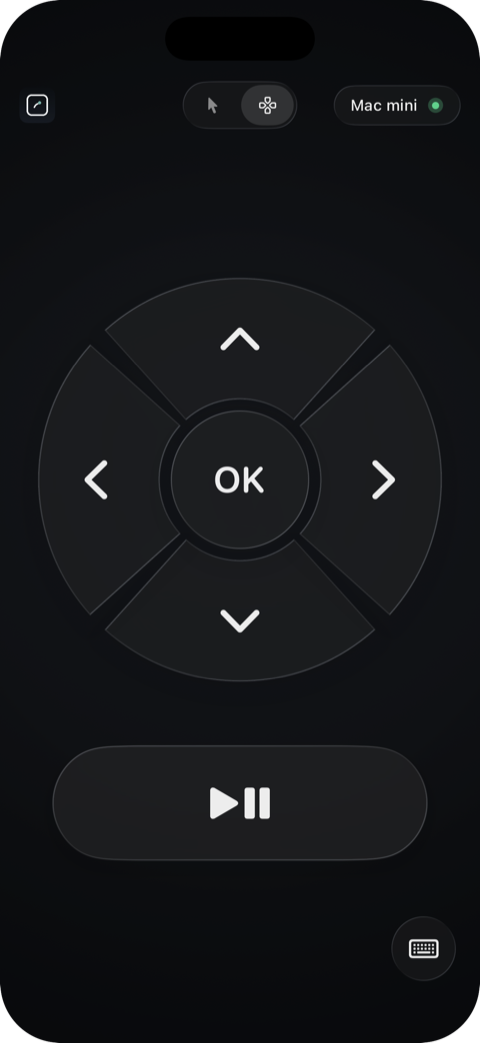
A proper trackpad with precise cursor, click, and scroll, plus a keyboard when you need it. Switch to media mode for a D-pad and play/pause, and drive Netflix, YouTube, or music without leaving the sofa.
Tiller · iPhone + Mac
Turn your iPhone into a trackpad and media remote for your Mac, over your own Wi-Fi.
$9.99 once · no subscription · iPhone + Mac on the same Wi-Fi · free Mac helper
A proper trackpad with precise cursor, click, and scroll, plus a keyboard when you need it. Switch to media mode for a D-pad and play/pause, and drive Netflix, YouTube, or music without leaving the sofa.
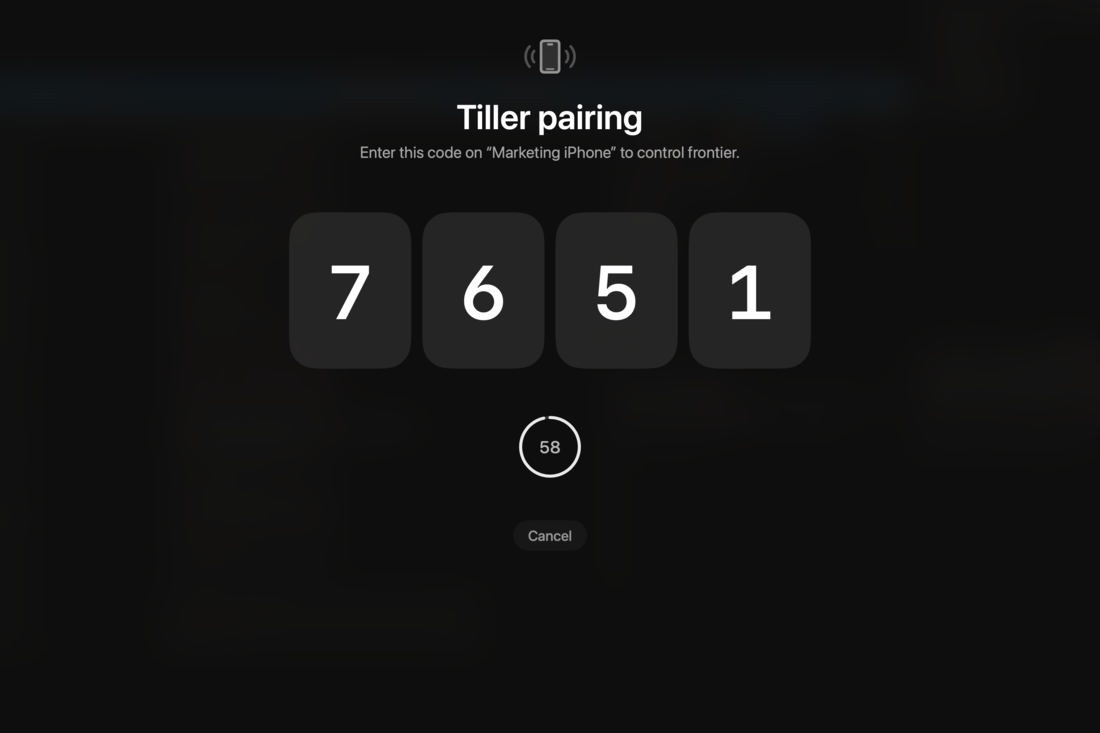
Open the app and it finds your Mac on the network. Enter the four-digit code once, and you're paired for good.
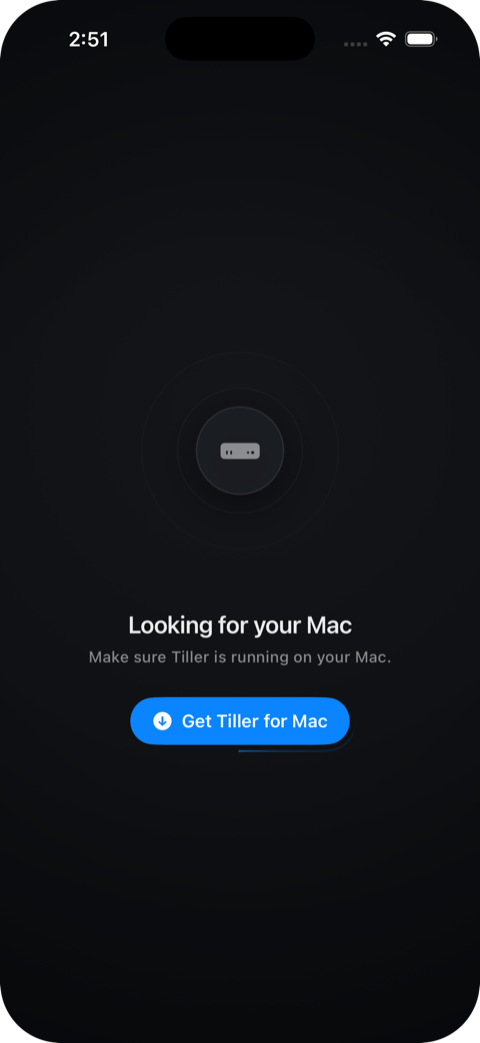
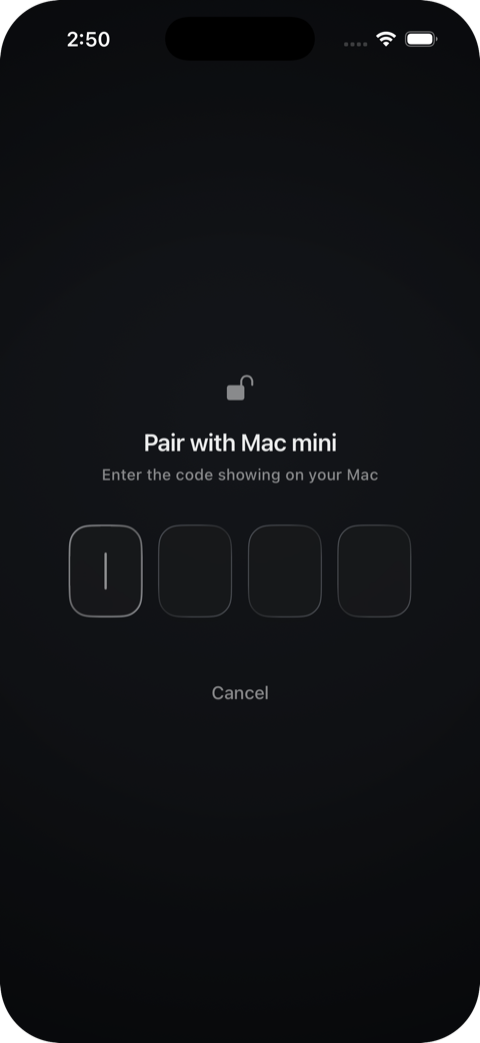
Your iPhone talks straight to your Mac over your own Wi-Fi. No account, no cloud, no servers in between.
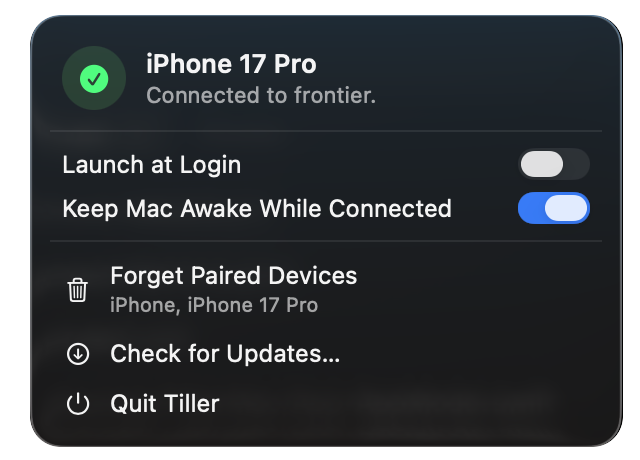
Tiller started out driving a Mac mini under the TV. No keyboard on the armrest, no trackpad lost down the sofa. The Mac puts a pairing code up on the big screen, and your phone takes over from there.
A direct connection over Wi-Fi,
with no servers and no lag.
Nothing to sign up for, and
nothing tracking you.
Pay once on the App Store.
No subscription.
The iPhone app, and a small helper for the Mac. Setup takes about a minute.